

Key Takeaways
- No single backup method is foolproof - combining cloud and local storage closes critical gaps.
- The 3-2-1 rule (three copies, two media types, one offsite) is a proven foundation for personal backup.
- Frequency matters: back up at minimum weekly, and automate it so it actually happens.
- Photos, financial documents, and passwords deserve the highest backup priority.
- Regularly verifying your backups is just as important as creating them.
Why Most Backup Plans Fail Before They're Needed
Most people have some version of a backup plan - until the moment they actually need it. A folder copied to an old drive six months ago, or a cloud account that hasn't synced in weeks, offers a false sense of security. Data loss doesn't announce itself: drives fail, phones are dropped, ransomware encrypts everything silently. The gap between thinking you have a backup and having one that actually restores is where most people get hurt.
A solid backup strategy isn't complicated, but it does require intention. Understanding the three main approaches - local, cloud, and hybrid - helps you choose what fits your life and actually stick with it. For a broader view of protecting your devices from day one, see our device care guide.
The Three Backup Approaches Explained
Local backup means copying your data to a physical device you control - an external hard drive, USB drive, or a home network-attached storage (NAS) unit. Local backups are fast to create and fast to restore from, but they share one critical weakness: physical vulnerability. If your home floods or the drive fails alongside your computer, both copies are gone.
Cloud backup stores your data on remote servers maintained by a third-party service. The major advantage is offsite protection - a house fire doesn't touch your cloud copy. The tradeoff is that initial uploads can be slow on large datasets, and ongoing storage may have costs. For a deeper look at how cloud and local options compare specifically for smartphones, see our cloud vs. local phone backup guide.
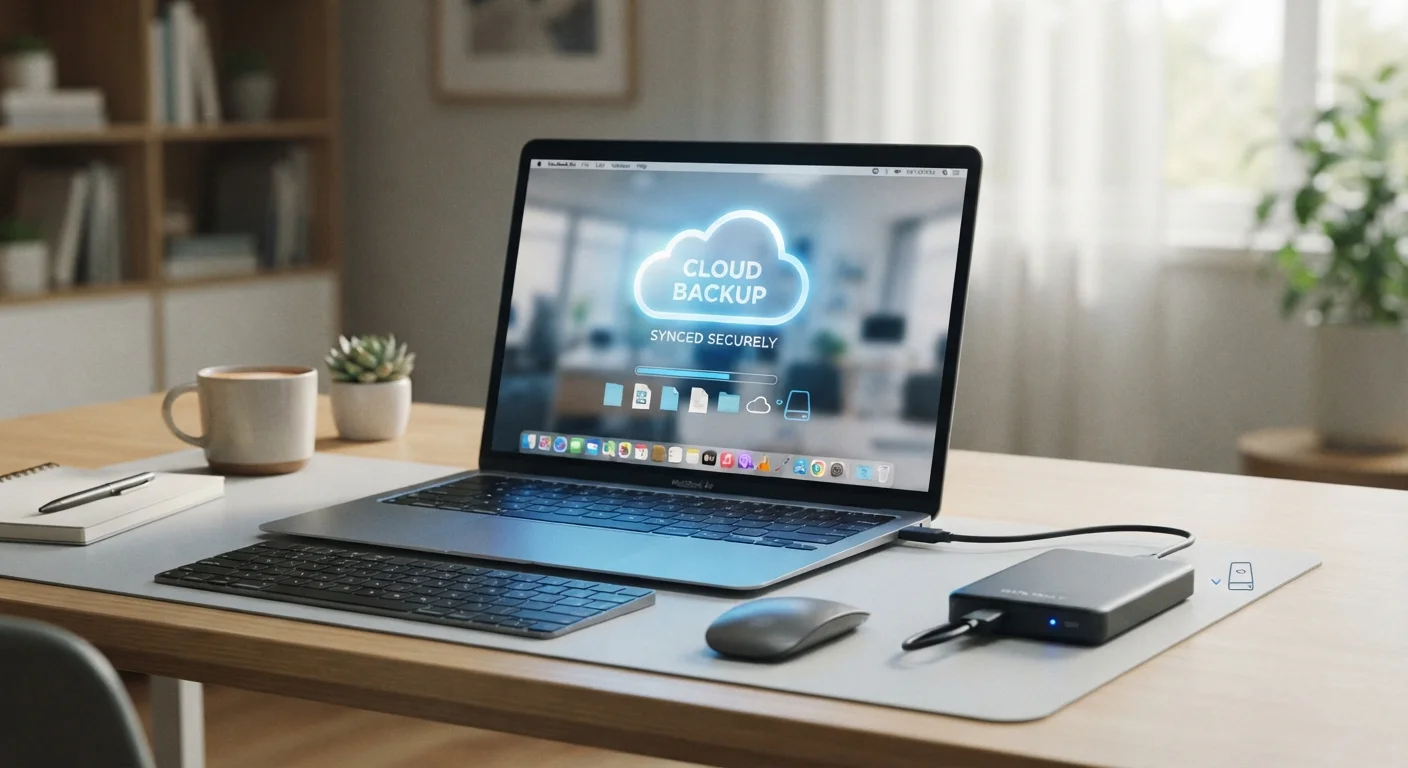
Hybrid backup combines both. This is the approach most data-security professionals recommend for everyday users, and it maps neatly onto the well-established 3-2-1 rule: keep at least three copies of your data, on two different types of media, with one copy stored offsite (i.e., in the cloud or at another physical location).
30%
People who have never backed up their data
Surveys from data recovery industry groups consistently find that roughly a third of consumers have no backup routine in place at all.
140,000+
Hard drive failures per week in the US
According to data recovery service estimates, hard drive failures are far more common than most users expect, underlining the case for redundant copies.
Best Practices for Backups That Hold Up
Follow the 3-2-1 rule as your backup baseline.
Having three copies on two media types with one offsite ensures that no single disaster - hardware failure, theft, or a natural event - can wipe out all your data at once. It's the most widely recommended framework in data recovery circles for a reason.
Automate your backups so human memory isn't the weakest link.
Manual backups are reliable only until life gets busy. Automation removes the dependency on remembering, meaning your safety net stays current even during hectic weeks.
Prioritize what you back up - not everything is equal.
Storage costs and bandwidth aren't infinite. Focusing on irreplaceable data first - family photos, financial documents, passwords, and work files - ensures the most important assets are protected even if your backup capacity is limited.
Test your backup restoration at least twice a year.
A backup you've never restored from is an unverified assumption. Corrupt files, misconfigured settings, and account access issues only surface during a test restore - not when you desperately need the data.
Store at least one backup physically separate from your primary devices.
Localized events - a burst pipe, a break-in, a fire - can destroy everything in one location simultaneously. Geographic separation is the single most overlooked gap in home backup plans.
Getting Started Without Overthinking It
The best backup is the one you actually set up. Start small: enable automatic cloud backup on your phone today, then work toward adding a local copy of your most critical files on an external drive. Scheduling matters - weekly backups are a reasonable minimum for most people, with daily automation for anything you'd be devastated to lose.
Keep in mind that large cloud backups use data. If you're on a limited connection, scheduling uploads overnight on Wi-Fi keeps things manageable. Our guide to mobile data vs. Wi-Fi can help you plan around your connection type.