

Key Takeaways
- Lithium-ion batteries degrade faster when regularly exposed to heat above 95°F or cold below 32°F.
- Parking a phone in a hot car is one of the most common and damaging temperature mistakes.
- Modern phones have built-in thermal protections, but they are a last resort, not a safety net.
- Simple habits like removing your case during charging can meaningfully reduce heat buildup.
- Cold weather temporarily reduces battery capacity; warming the device gradually restores normal function.
What you will need
Why Temperature Damages Phones
Your phone's battery, processor, and screen are all sensitive to thermal extremes - and the damage isn't always immediately obvious. Lithium-ion batteries, which power virtually every modern smartphone, undergo chemical reactions that are calibrated for a moderate temperature range. When heat or cold pushes outside that range repeatedly, the battery's long-term capacity erodes permanently.
Heat is generally the more damaging of the two extremes. High temperatures accelerate the chemical aging inside the battery, meaning a phone that regularly runs hot will hold less charge over time than one that stays cool. The processor and display can also suffer: sustained heat causes subtle component stress that may not show up until months later as unexpected shutdowns, screen discoloration, or sluggish performance. This is one of the reasons that phones slow down over time - repeated thermal stress is a contributing factor that's easy to overlook.
Cold, meanwhile, temporarily suppresses battery chemistry, causing power levels to drop faster than expected. Unlike heat damage, most cold-related performance drops reverse once the device warms up - but charging a frozen or very cold battery can still cause lasting harm.
Never Leave Your Phone in a Parked Car
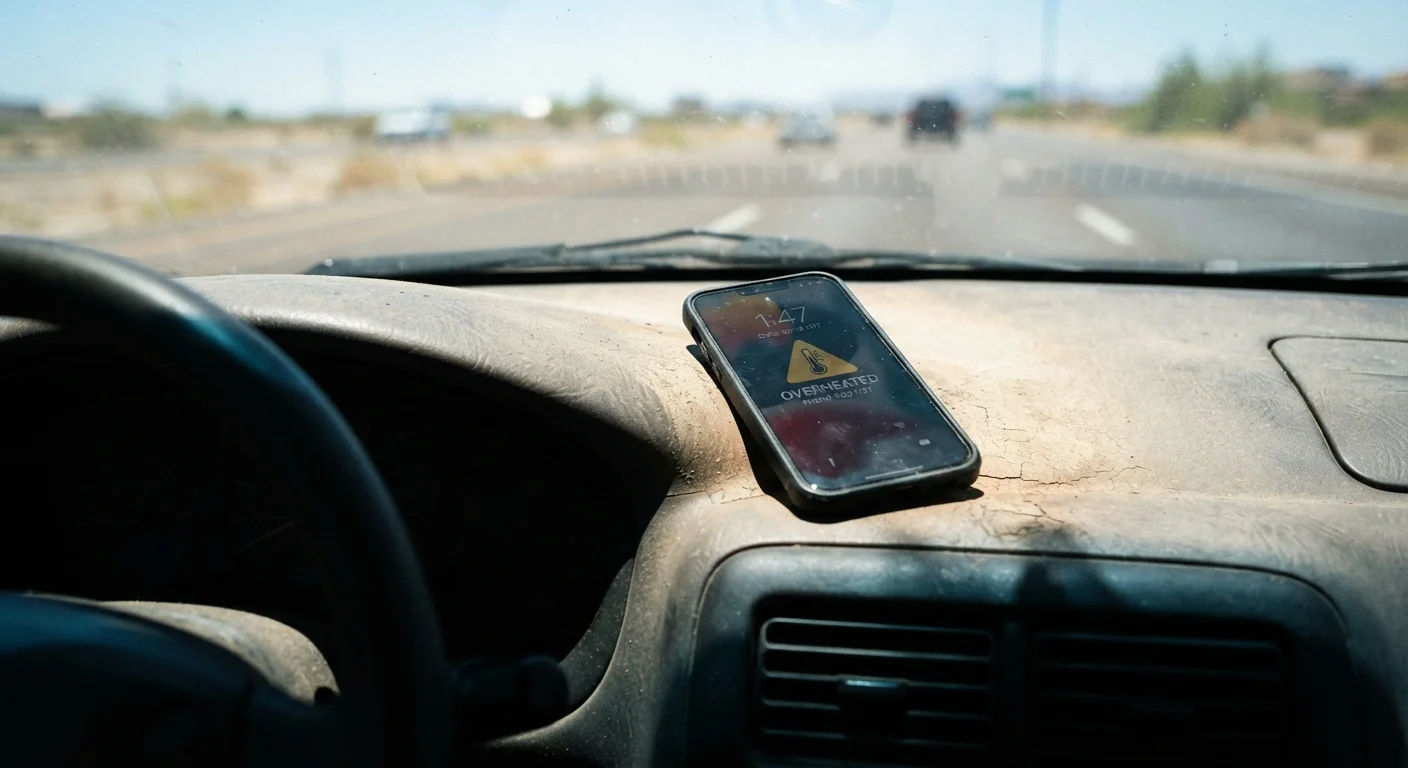
Interior car temperatures can exceed 130°F on a hot day, far beyond the safe operating range of any smartphone. Sustained exposure at these temperatures causes permanent battery degradation and can damage internal components. This applies even when it's only moderately warm outside - a closed car heats up quickly.
For context on how physical protection interacts with heat dissipation, the trade-offs of using a phone case are worth understanding alongside temperature management. Cases that protect against drops may also trap heat - a balance worth considering.
How to Protect Your Phone Year-Round
Room Temperature Is Your Phone's Best Friend
Most smartphones are designed to operate best between 62°F and 72°F. When you know you'll be outdoors in extreme conditions, plan ahead: a shaded bag pocket in summer or an inner jacket pocket in winter makes a meaningful difference to your device's health.
Insulated or padded phone sleeve
Provides a buffer against rapid temperature swings, especially useful in freezing conditions.
Lightweight phone case
Offers minor insulation in cold weather and basic physical protection; choose one that doesn't trap excess heat.
Cooling pad or cool surface
Helps dissipate heat when a phone is running hot during charging or intensive use indoors.
Know your phone's safe temperature range
Most smartphones are rated for operation between 32°F and 95°F (0°C-35°C), with storage possible at slightly wider extremes. Check your device manufacturer's documentation for the exact figures for your model. Understanding these limits is the foundation of everything else in this guide.
Keep your phone out of direct sunlight
Direct sunlight raises your phone's surface temperature rapidly, even on mild days. When outdoors, keep the device face-down or inside a bag rather than on a table, blanket, or car seat in the sun. At the beach or in the park, a shaded pocket is always preferable to leaving the phone exposed.
Remove your case when charging in warm conditions
Phone cases - especially thick or rubber ones - trap heat during charging. If your device feels warm while plugged in during summer, removing the case allows heat to dissipate more freely. Charging generates heat on its own; combining it with a sealed case and warm ambient air accelerates battery wear.
Protect your phone in freezing temperatures
Cold causes lithium-ion batteries to temporarily lose capacity - you may notice your phone dying faster or shutting off unexpectedly at low charge levels. In sub-freezing conditions, keep your phone in an inner jacket pocket close to your body. If the device gets very cold, allow it to warm up gradually at room temperature before charging or heavy use.
Avoid charging immediately after extreme exposure
If your phone has been in a very hot or very cold environment, give it 15-30 minutes to return to a moderate temperature before plugging in. Charging a battery that's thermally stressed - in either direction - can accelerate long-term degradation and, in rare cases with severely damaged batteries, create safety risks.
Reduce processor load in extreme heat
Apps that keep the processor and GPU working hard - navigation, gaming, video recording - generate significant internal heat on their own. In hot conditions, combining this with high ambient temperatures can push your device toward its thermal limit faster. Close background apps, lower screen brightness, and avoid resource-intensive tasks when it's already very warm outside.
Temperature management is one part of a broader approach to device longevity. Many of the habits that shorten a phone's lifespan are easy to avoid once you know what to watch for. For a comprehensive look at keeping your device running well over the long term, see the complete device longevity reference. And if you often leave your phone in the car during seasonal extremes, the same principles that apply to seasonal vehicle preparation - anticipating conditions before they arrive - translate directly to smartphone care.