

Key Takeaways
- Keeping your phone charged at 100% for extended periods accelerates battery wear.
- Extreme heat is one of the most damaging environmental factors for smartphones.
- Skipping software updates leaves your phone vulnerable and can degrade performance.
- Running storage near full capacity slows your device and stresses internal components.
- Third-party chargers without proper certification can damage charging circuits over time.
Why Everyday Habits Matter More Than You Think
Most smartphones are designed to last several years, but real-world usage patterns often cut that lifespan short - without the owner ever realizing what's happening. The damage isn't dramatic. It's gradual, invisible, and usually the result of habits that feel perfectly harmless.
Understanding which everyday behaviors cause the most wear lets you make small adjustments that add up to meaningful gains in how long your device stays fast, reliable, and capable. For a broader look at long-term device upkeep, the complete device maintenance reference covers everything from physical protection to software hygiene in one place.
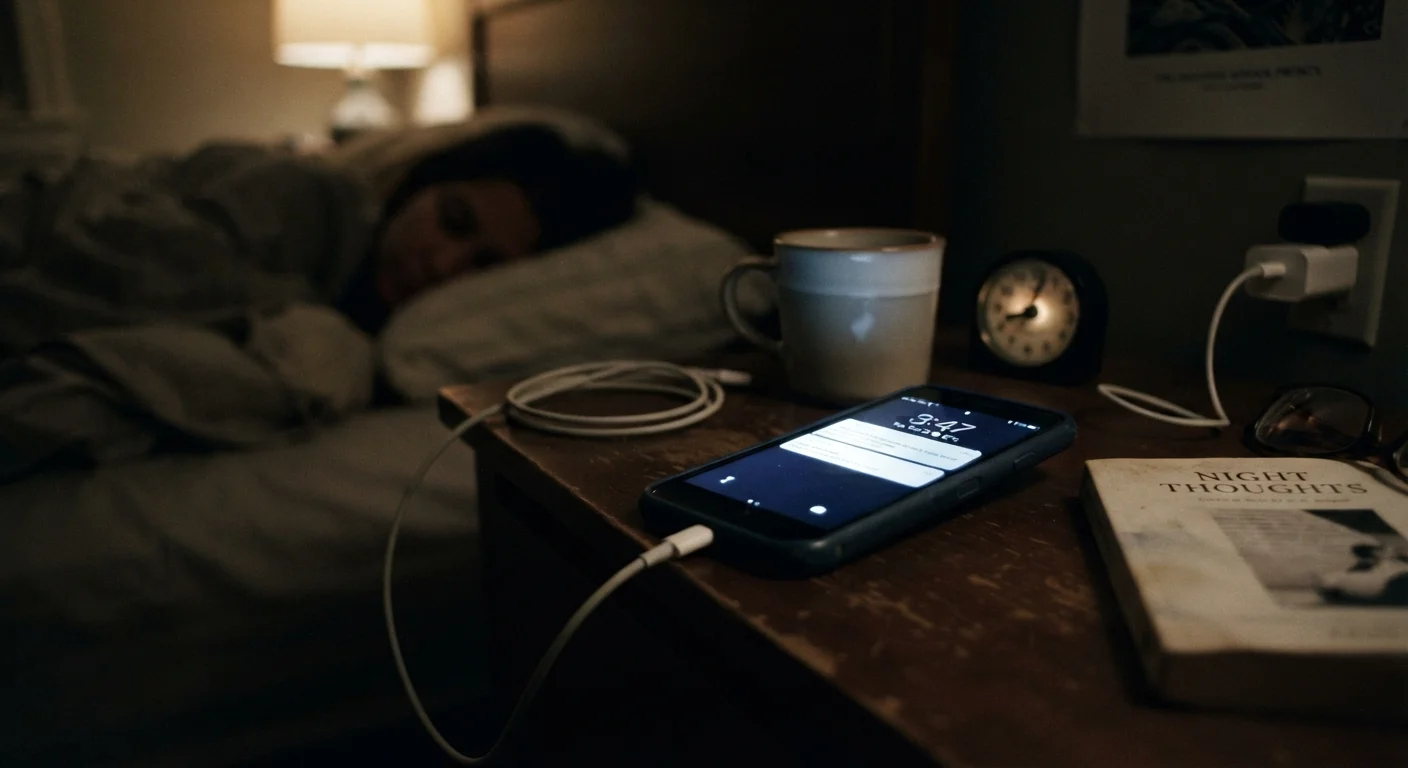
Leaving the phone plugged in at 100% charge for hours at a time.
Why it happens: Overnight charging is convenient, and most people assume modern phones simply stop charging when full. While some devices do throttle, sustained high charge levels still stress the battery's chemistry over hundreds of cycles.
Using uncertified third-party chargers and cables.
Why it happens: Cheap chargers are widely available and look functionally identical to certified ones. The price difference makes them tempting, especially as a backup or travel option.
Regularly exposing the phone to high heat - in a car, in direct sunlight, or under heavy load while charging.
Why it happens: Heat consequences aren't immediately visible, so the risk feels abstract. Leaving a phone on a car dashboard or using it for navigation while plugged into a car charger in summer are common examples.
Delaying or ignoring software updates.
Why it happens: Updates interrupt what you're doing, can feel unnecessary if the phone seems to be working fine, and sometimes carry a reputation for slowing older devices.
Letting storage fill up completely and leaving it that way.
Why it happens: It's easy to accumulate photos, apps, and downloads without noticing until a "storage full" warning appears - and then only clearing just enough to make the warning go away.
Skipping a protective case and screen protector.
Why it happens: Slim phones feel better without cases, and screen protectors can mute display brightness or feel different to the touch. Many users go without until after the first drop.
The Habits Worth Changing - and How to Change Them
The good news is that none of these mistakes require technical expertise to fix. Most corrections take less than a minute to apply and cost nothing. A few key areas - charging behavior, temperature exposure, storage management, and software upkeep - account for the majority of avoidable wear on modern smartphones.
~500
Full charge cycles before noticeable battery capacity loss
Lithium-ion batteries in consumer devices typically begin showing measurable capacity decline after several hundred full charge cycles, according to general battery chemistry research.
35°C+
Temperature at which battery degradation accelerates
Apple's published battery guidance notes that exposure to temperatures above 35°C (95°F) can permanently damage battery capacity - a threshold easily exceeded in a parked car.
Battery health is often the first thing users notice declining. If you want to understand the chemistry behind why lithium-ion batteries lose capacity, why your smartphone battery degrades faster than it should explains the mechanisms clearly. On the software side, full storage creates performance pressure that compounds over time - signs your device storage is hurting its performance outlines the specific ways a packed drive slows things down.
Heat and Charging Together Are a Bad Combination
Charging a phone generates heat on its own. Doing so while the device is running a demanding app, sitting in direct sunlight, or tucked inside a case that traps heat compounds the thermal stress significantly. If your phone feels hot to the touch while charging, remove the case and move it to a cooler surface. Repeated thermal stress is one of the faster ways to shorten battery life.
Temperature is another underappreciated factor. Leaving a phone in a hot car, using it in direct sun for long periods, or even resting it on a warm surface while charging can cause cumulative harm to internal components. The guide to keeping your phone safe in extreme temperatures walks through what happens internally and what conditions to avoid year-round.
Finally, don't overlook the role of apps. Background processes, permissions, and poorly optimized software all contribute to battery drain and processor stress. See signs an app is draining your battery for practical steps to identify and manage the worst offenders.