

Key Takeaways
- iPhone runs iOS, a closed system controlled by Apple; Android is an open-source platform used by many manufacturers.
- iOS offers stronger default privacy settings, while Android gives users more granular control over customization.
- App availability is broadly similar, but certain apps may launch first or exclusively on one platform.
- Switching platforms means leaving behind your existing app purchases, cloud ecosystem, and some device integrations.
- Neither platform is objectively better - the right choice depends on your habits, devices, and priorities.
Option A
iPhone (iOS)
The tightly integrated, privacy-forward ecosystem.
Best for: Users who want a polished, consistent experience across Apple devices with minimal setup decisions.
Option B
Android
The flexible, open-platform alternative.
Best for: Users who want more control over how their phone looks, behaves, and connects with third-party tools.
If you want a simple, consistent experience with minimal tinkering
iPhone (iOS)
iOS limits configuration options by design, which means less complexity and a more predictable experience out of the box.
If you want to deeply customize your phone's look and behavior
Android
Android allows custom launchers, default app changes, and widget arrangements that iOS does not permit to the same degree.
If you already own other Apple devices like a Mac or iPad
iPhone (iOS)
Features like AirDrop, Handoff, and iMessage work seamlessly across Apple hardware, creating a tightly connected ecosystem.
If you prefer a wider range of hardware price points
Android
Android runs on devices across a broad price spectrum, from budget handsets to flagship models, offering more hardware choice.
If privacy and data control are your top concern
iPhone (iOS)
Apple's App Tracking Transparency framework and stricter App Store review process provide stronger default privacy protections.
Two Platforms, Two Philosophies
When people debate iPhone versus Android, the conversation often gets tangled in brand loyalty. But the more useful question is: what do these platforms actually do differently, and why does it matter to you?
iPhone runs iOS, an operating system (OS) built and controlled entirely by Apple. Android, developed by Google, is open-source software that dozens of manufacturers - including Samsung, Google itself, and others - install on their own hardware. That single distinction shapes almost everything else about how each platform behaves.
For a primer on terms like OS, RAM, and biometrics, see our smartphone glossary before diving deeper.
| Criterion | iPhone (iOS) | Android |
|---|---|---|
| Operating system control | Fully Apple-controlled | Open-source, varies by manufacturer |
| Hardware variety | Apple devices only | Wide range of brands and price points |
| Default privacy protections | Stricter, opt-in tracking | Expanding, varies by device |
| Customization depth | Moderate, improving | Extensive, including launchers |
| App store | App Store (Apple only) | Google Play + sideloading possible |
| Ecosystem lock-in | High (iMessage, iCloud, AirDrop) | Moderate (Google services, flexible) |
| Software update consistency | Simultaneous across all iPhones | Varies by manufacturer and carrier |
Privacy, Permissions, and Data Control
Privacy is one of the starkest dividing lines between the two platforms. Apple built App Tracking Transparency into iOS, which requires apps to ask your explicit permission before tracking your activity across other apps and websites. By default, that tracking is off.
Android has expanded its privacy controls significantly in recent years, including a permission dashboard that shows which apps accessed your location, camera, or microphone. However, because Android runs across many manufacturers - each of whom may layer their own software on top - the experience and defaults vary more widely than on iOS.
Understanding what you actually hand over when an app asks for access is worth the time. App permissions explained walks through exactly what those requests mean and how to evaluate them on either platform.
~55%
US smartphone market share held by iPhone
As of recent Statista estimates, iPhone holds a majority share in the US market, while Android leads globally.
72%
Android's share of the global smartphone market
Android's global dominance is driven largely by its availability across a wide range of hardware price points worldwide.
3.5M+
Apps available on Google Play Store
Both the App Store and Google Play host millions of apps, with significant overlap in major consumer titles.
Customization and the App Ecosystem
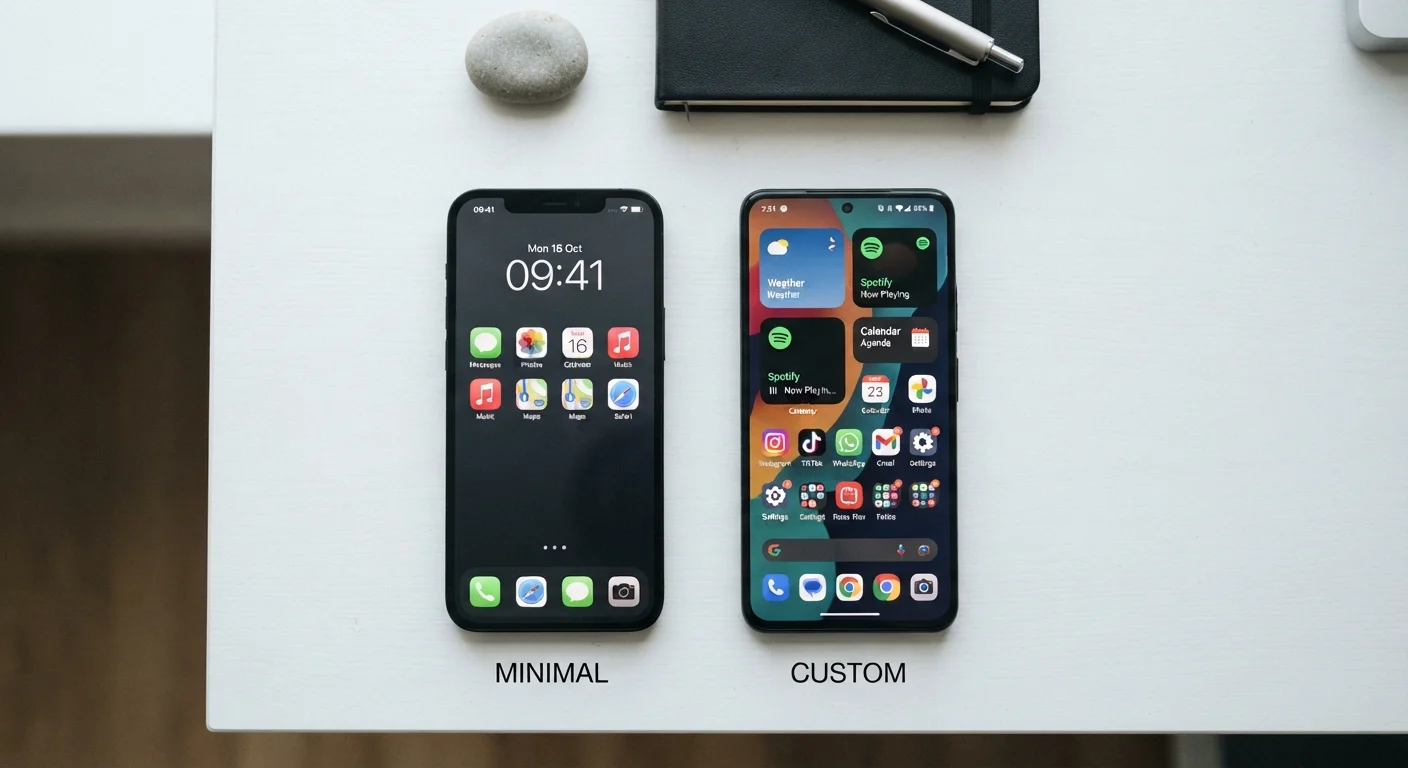
Android's open architecture means you can replace the default home screen launcher, set third-party apps as defaults for nearly anything, and sideload apps (install them from outside the official store) - though sideloading carries real security risks and is not recommended for most users.
iOS has expanded customization meaningfully, including home screen widgets and the ability to change default browsers and email apps. But Apple still enforces tighter guardrails on what developers can do and what users can change, which keeps the experience consistent but limits flexibility.
Both platforms host millions of apps. Most major apps are available on both. Where differences emerge is in launch timing - some apps debut on one platform first - and in platform-exclusive tools that tie into each ecosystem's hardware or services.
However you set up your apps, a reliable organizational system makes a real difference. Practical app organization strategies apply regardless of which platform you're on.
What Switching Actually Costs You
Switching platforms isn't just about learning a new interface. It means leaving behind your purchased apps (app purchases don't transfer between stores), your cloud ecosystem, and some integrations that only work within one platform's world.
iMessage, for example, is Apple-only. Moving to Android means those conversations shift to standard SMS or a different messaging app. Similarly, years of photos stored in iCloud require deliberate migration if you move to a Google-centered setup.
On the connectivity side, both platforms handle mobile data and Wi-Fi in broadly similar ways, but some features - like Apple's seamless Wi-Fi password sharing between iOS devices - are platform-specific. Factoring in these real switching costs is essential before making a change.
For broader device management guidance across either platform, the Device Care & Safety hub offers practical advice on keeping your phone secure and running well.
No Single Platform Is Universally Better
The iPhone vs. Android debate rarely has a clean winner because the right answer depends on what you value most. If consistency and privacy defaults matter most, iOS has structural advantages. If hardware flexibility and customization are priorities, Android offers more room. Evaluating your own habits - which devices you already own, which apps you rely on, how much you want to configure - will lead you to a more useful answer than any head-to-head ranking.