

Key Takeaways
- Sideloading installs apps from outside official stores, bypassing their security review processes.
- Android permits sideloading by default; iOS restricts it far more tightly.
- Unofficial APK files can contain malware that official store scans would typically catch.
- Some legitimate use cases - like enterprise apps or region-locked software - do justify sideloading.
- Auditing permissions after installation is essential when sideloading any app.
What Sideloading Actually Means
Sideloading refers to installing an app on your device through any channel other than the platform's official app store - Google Play on Android or the App Store on iOS. Instead of tapping a verified listing and letting the store handle the download, you obtain the app file directly and manually install it.
On Android, these files use the APK format. On iOS, the equivalent is an IPA file. Either way, the core distinction is the same: the app skips the store's review pipeline entirely, which has meaningful consequences for both security and functionality.
Sideloading is not inherently illegal, but it does shift responsibility onto you. When an app comes from an official store, the platform operator has run automated scans, reviewed the developer's identity, and enforced certain code standards. When you sideload, none of that gatekeeping applies. For more context on how stores curate what reaches users, see how app store ranking algorithms work.
How Sideloading Works on Android vs. iOS
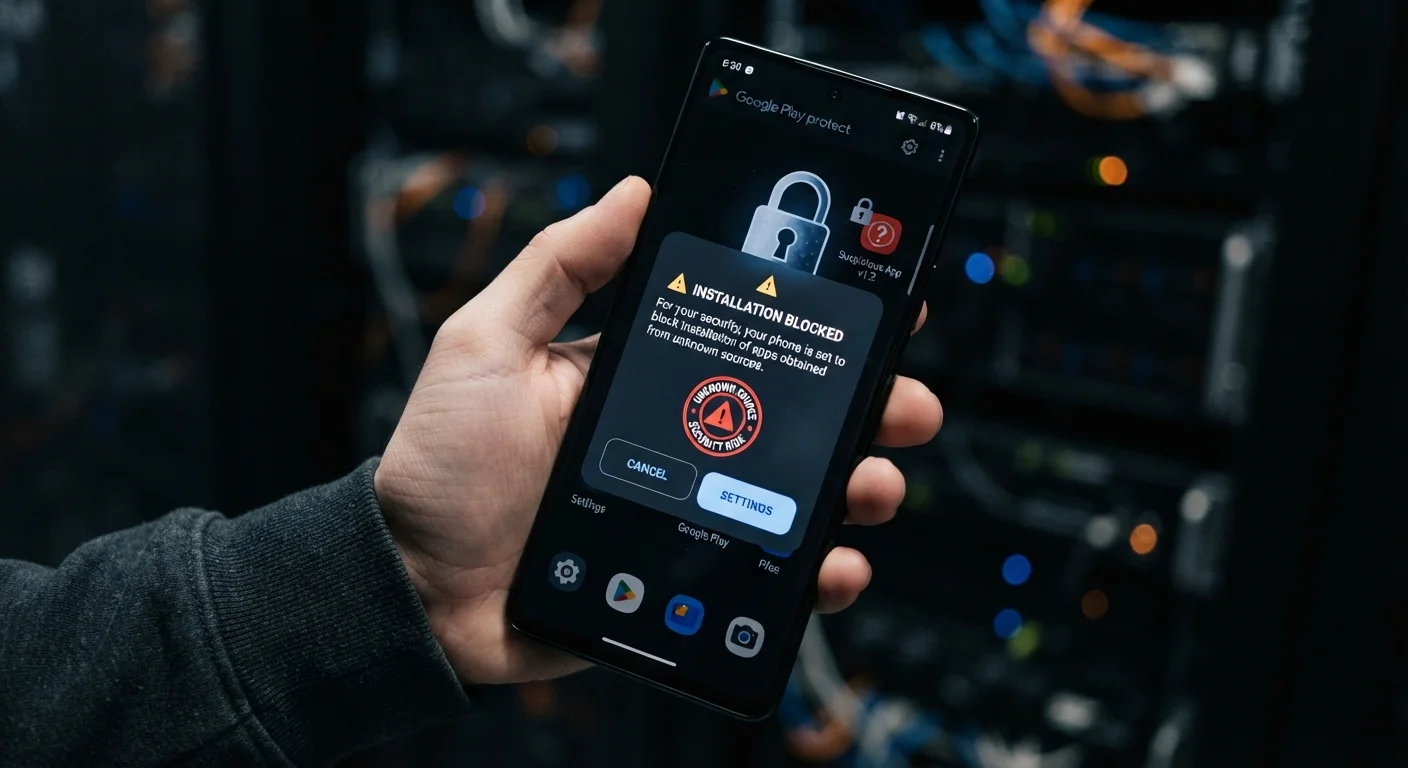
Android is designed with sideloading as a supported - though cautioned - option. To enable it, users navigate to Settings, find the security or privacy section, and toggle on permission for installs from unknown sources. On Android 8 and later, this permission is granted per app rather than as a system-wide switch, which gives finer control over which source is trusted.
iOS takes a far more restrictive approach. Standard consumer iPhones do not allow sideloading through normal settings. Exceptions include apps distributed through Apple's TestFlight program (used for beta testing), apps deployed by an organization via Mobile Device Management (MDM), or - on EU-distributed devices under recent regulatory changes - apps from approved alternative marketplaces. Jailbreaking an iPhone to enable broader sideloading voids the warranty and removes core security protections; this guide does not recommend that path.
On Android, grant install permission to only one trusted source at a time, then revoke it immediately after the installation completes. This single habit eliminates a large category of accidental installs.
The per-app unknown-sources permission introduced in Android 8 was specifically designed to prevent a browser or file manager from becoming a permanent installation vector - most users never take advantage of this granularity.
Before sideloading any APK, search the file's SHA-256 hash in a threat intelligence database. A matching hash to a known malicious file is a definitive stop signal before anything runs on your device.
Hash verification is the fastest high-confidence check available without specialized tools, and it takes less than two minutes - making it the highest-value step most non-technical users skip.
The Real Security Risks
The most consequential risk is malware. APK files distributed on unofficial websites or file-sharing platforms can be repackaged versions of legitimate apps with malicious code inserted. That code might log keystrokes, harvest stored credentials, display intrusive ads, or silently enroll the device in a botnet.
Sideloaded Apps Cannot Be Remotely Removed
Both Google and Apple retain the ability to push remote removal of apps from official stores if serious security issues are discovered after release. A sideloaded app has no equivalent safety net. If the app you installed is later identified as malicious, you will not receive any automatic alert or removal - you must catch it yourself and uninstall manually.
Because the app bypasses store review, it also misses ongoing monitoring. Official stores can remotely remove apps that are later found to be harmful; a sideloaded app has no such mechanism. You are also unlikely to receive automatic security updates unless the developer has built an in-app update system.
A further concern is permission abuse. Sideloaded apps can request the same permissions as any store-listed app - and some request far more than their function warrants. Reviewing what access an app demands before and after installation matters significantly here. The guide on managing app permissions explains how to audit what you have already approved.
~50%
Of mobile malware delivered via unofficial sources
Security researchers at Kaspersky have consistently attributed a significant share of mobile malware infections to apps obtained outside official app stores.
3x
Higher malware rate in unofficial Android app stores vs. Google Play
Analysis published by Google's Android Security team has indicated substantially elevated malware prevalence in third-party distribution channels compared to Play Store listings.
Legitimate Reasons People Sideload
Not every sideloading scenario is reckless. Several common, reasonable situations lead users and organizations to install apps outside the official store:
- Enterprise and internal tools: Companies frequently distribute proprietary apps - warehouse management software, internal dashboards - that are never published publicly. MDM deployment is the managed version of this.
- Region-locked apps: Some apps are listed in certain country stores but unavailable in others. Travelers or expatriates sometimes sideload a store-bought APK from a trusted source for this reason.
- Older app versions: When an update breaks functionality a user depends on, reverting to a previous APK version is one workaround - though it carries the risk of running unpatched software.
- Open-source and developer tools: Developers testing their own builds, or users running reputable open-source apps not submitted to a store, have legitimate technical reasons to sideload.
- Apps removed from stores: Some apps are delisted due to policy disputes rather than safety concerns. A user who already trusted that app may wish to continue using it.
Even in these legitimate contexts, the security calculus does not change - only the risk-benefit ratio does.
How to Reduce Risk If You Proceed
If you have a genuine reason to sideload, these practices reduce - though cannot eliminate - the associated risks:
- Source carefully. Prefer the developer's own website or a well-established open-source repository over third-party APK aggregator sites. Verify the domain is legitimate and check for HTTPS.
- Verify the file hash. Reputable publishers often publish a SHA-256 checksum alongside their files. Comparing this value with what your device downloaded confirms the file was not tampered with in transit.
- Scan the file before installing. Several reputable online services allow you to upload an APK for multi-engine malware analysis before you run it.
- Review permissions immediately after install. Check what the app has requested and revoke anything that seems disproportionate to the app's function. For guidance on what specific permissions actually grant, see what app permissions really mean.
- Disable unknown sources afterward. On Android, turn off the install-from-unknown-sources permission for that source once you are done. Leaving it open exposes you to drive-by install attempts.
- Monitor behavior. Watch for unusual battery drain, unexpected data usage, or new ads - all potential indicators of unwanted background activity.
Re-enable Auto-Updates Where Possible
If a sideloaded app includes a built-in update mechanism, keep it enabled. Running outdated app code is one of the most common ways devices are exposed to known vulnerabilities. Check the developer's release notes periodically if no auto-update is available. Our guide on when to wait before installing updates explains how to evaluate update timing thoughtfully.
When to Stick with the Official Store
For most users in most situations, the official app store is the right choice - and not just out of habit. Store-listed apps carry privacy labels you can read before downloading, a resource worth using. They receive automatic updates. They can be removed remotely if they turn harmful. And if something goes wrong, you have a dispute path through the store.
If you are new to managing apps on a smartphone, the fundamentals of finding and installing apps safely are a better starting point than sideloading. Similarly, if an app's appeal is mainly that it is free outside the store, be aware that free apps carry their own trade-offs in the form of data collection and advertising.
Sideloading is a tool, not a shortcut to better apps. Use it when you have a clear, specific reason and the technical confidence to manage the additional responsibility it places on you.
Jailbreaking Is Not the Same as Sideloading
Jailbreaking an iPhone or rooting an Android device removes core operating system security boundaries entirely - it is a fundamentally different action from simply enabling unknown sources on Android. Jailbroken and rooted devices lose access to many banking apps, enterprise services, and system-level protections. These modifications also typically void manufacturer warranties and can leave the device permanently less secure even after reverting.